Invoices that are ready to send
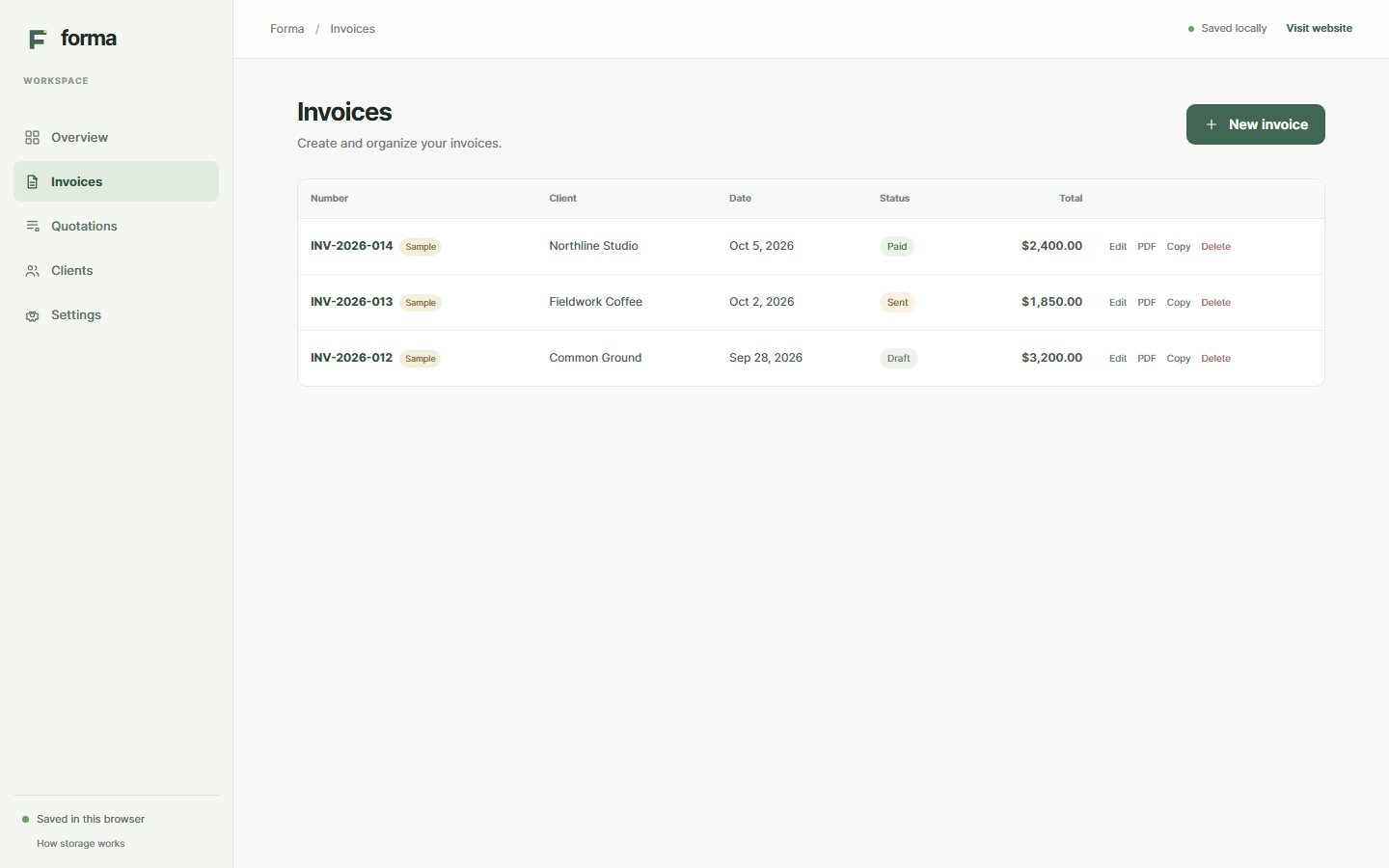
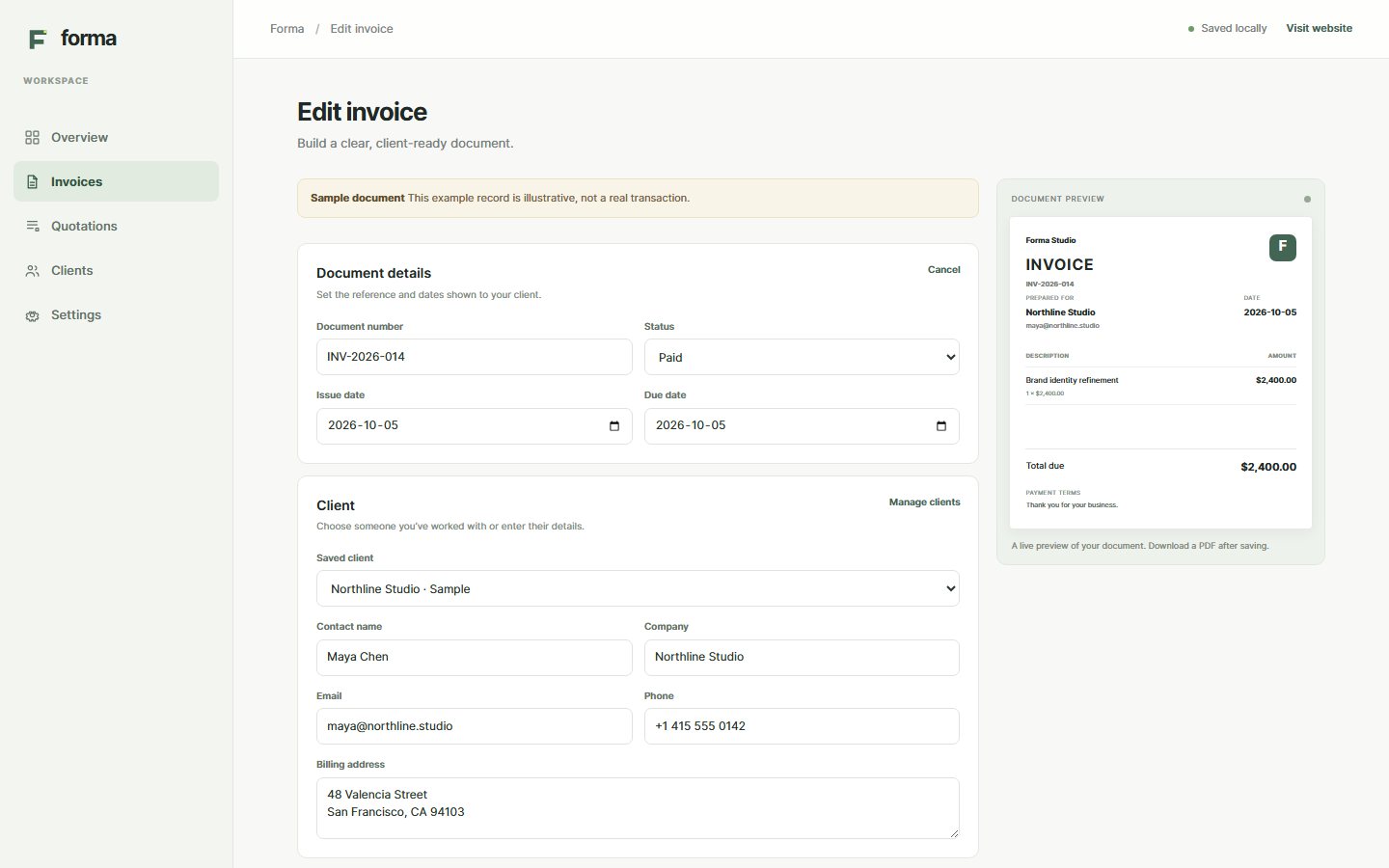
Add a client, describe the work, set dates and terms, then download a clean PDF from your browser.
From the first line item to the final PDF, Forma keeps the paperwork around your work easy to follow.
Add a client, describe the work, set dates and terms, then download a clean PDF from your browser.
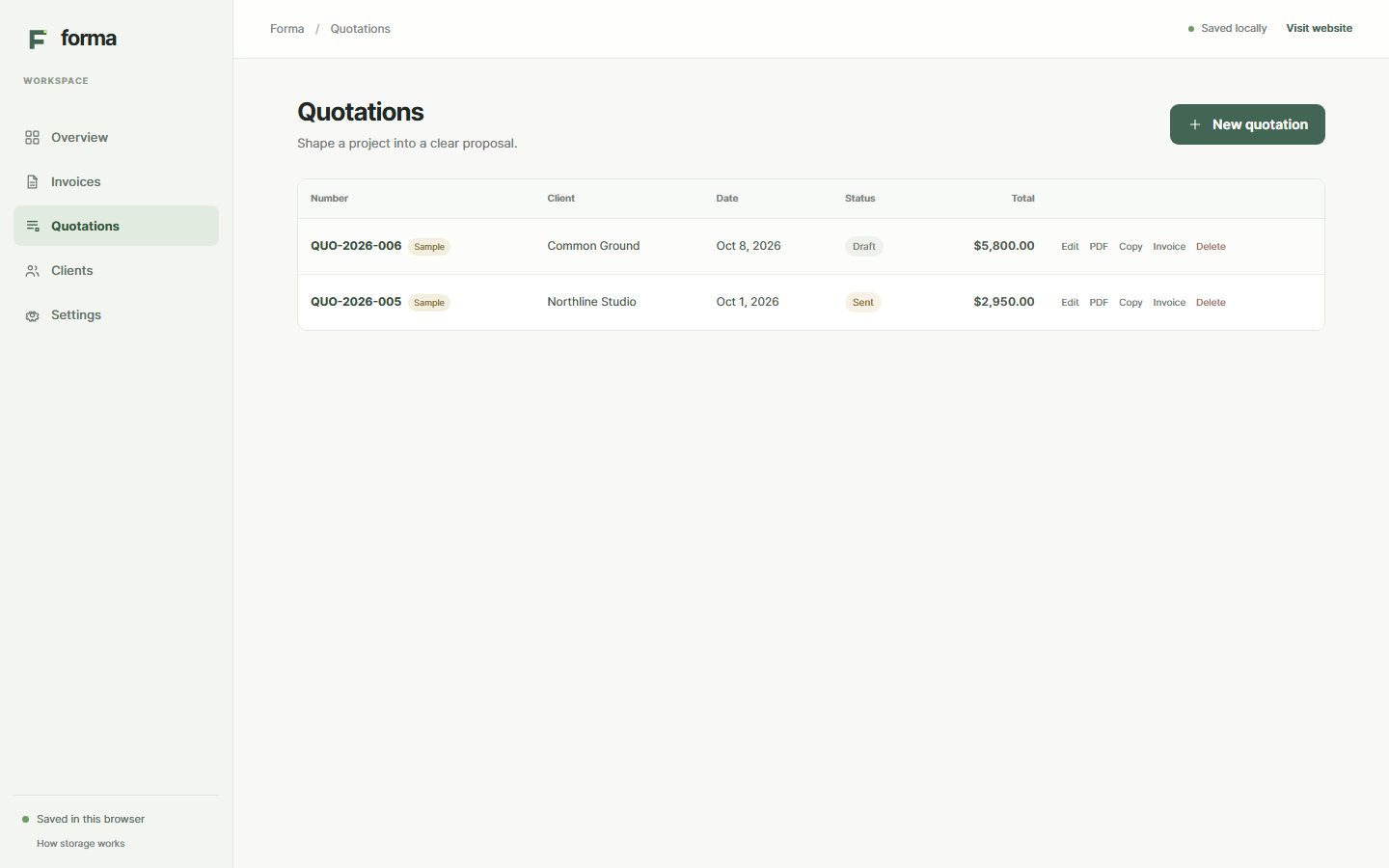
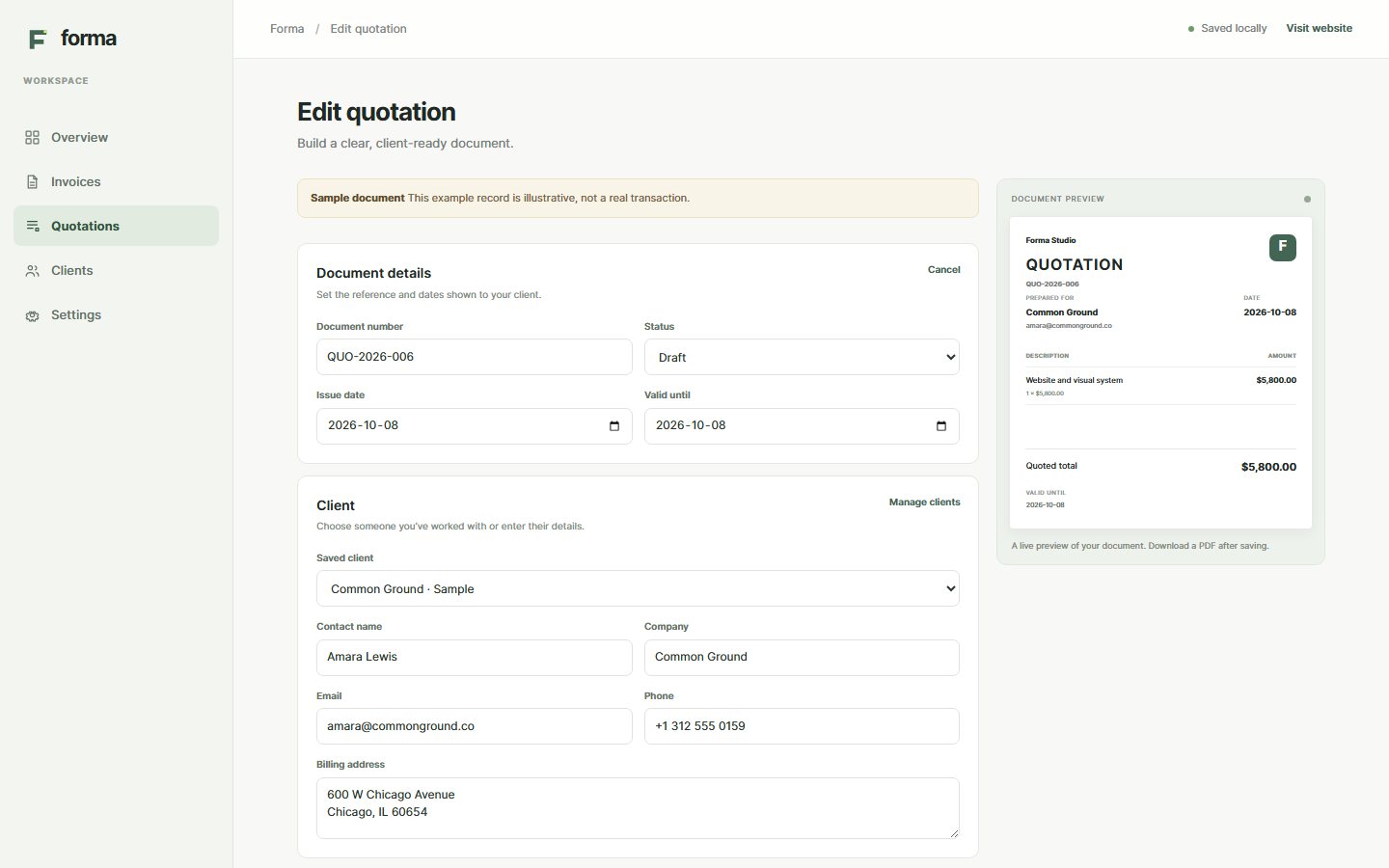
Prepare a clear quotation, then carry its details straight into an invoice when you’re ready.
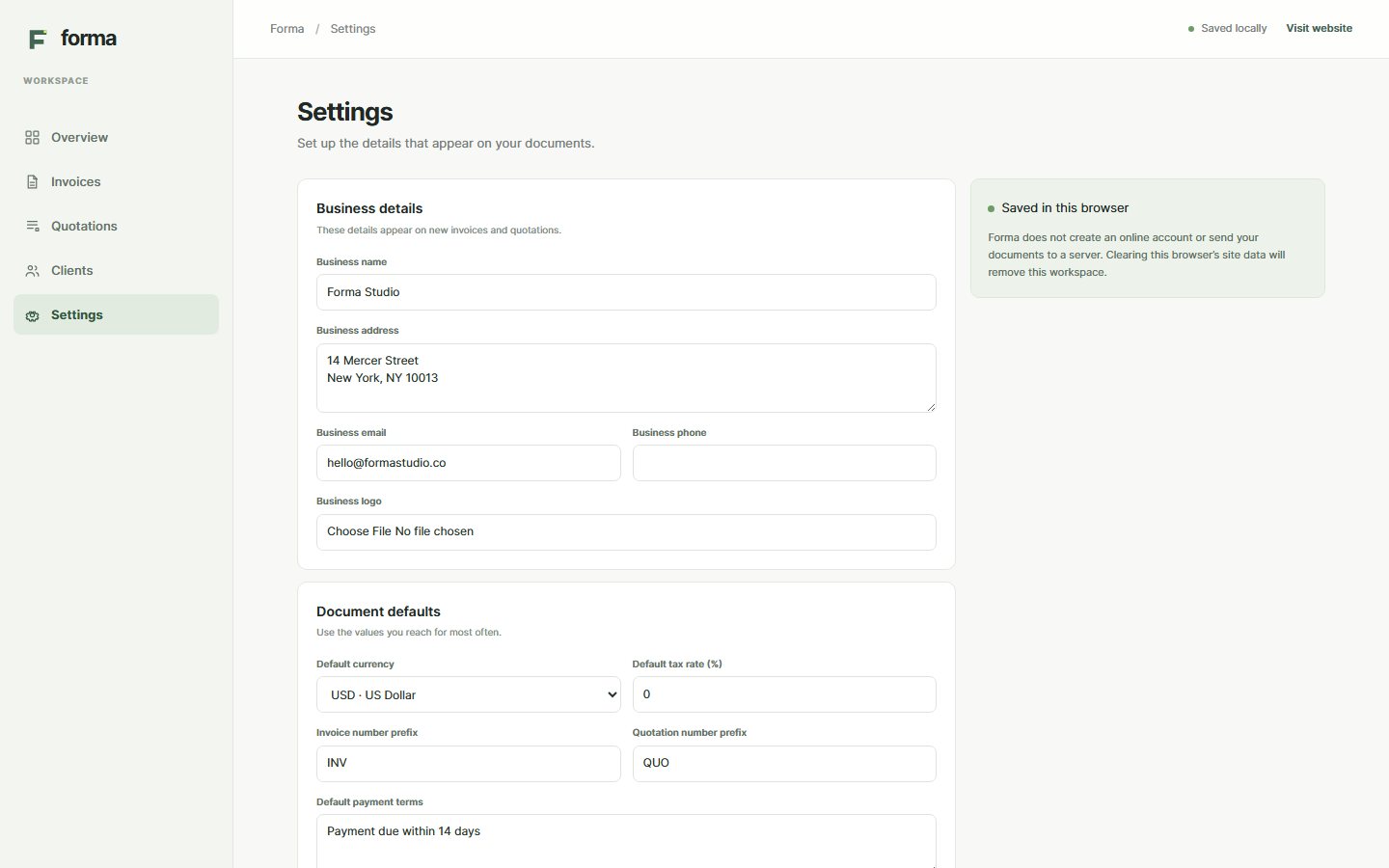
Add your business name, contact details and logo. Forma uses those settings for new documents.
Quantities, unit prices, discounts and tax are calculated clearly, with tax applied after discount.
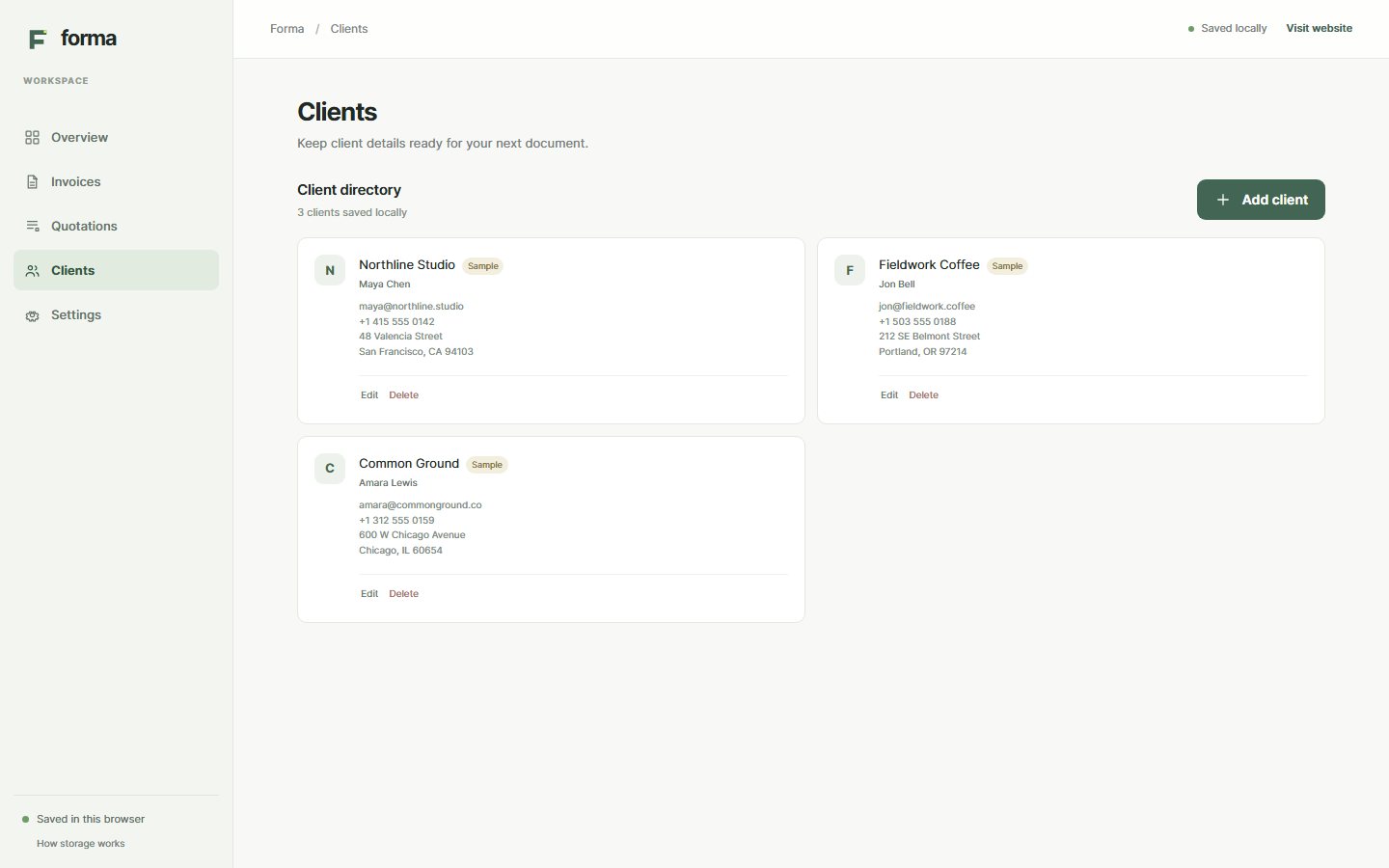
Keep contact names, company details and billing addresses in this browser for your next document.
Documents and settings are saved locally in this browser. Forma does not sync them to a server.
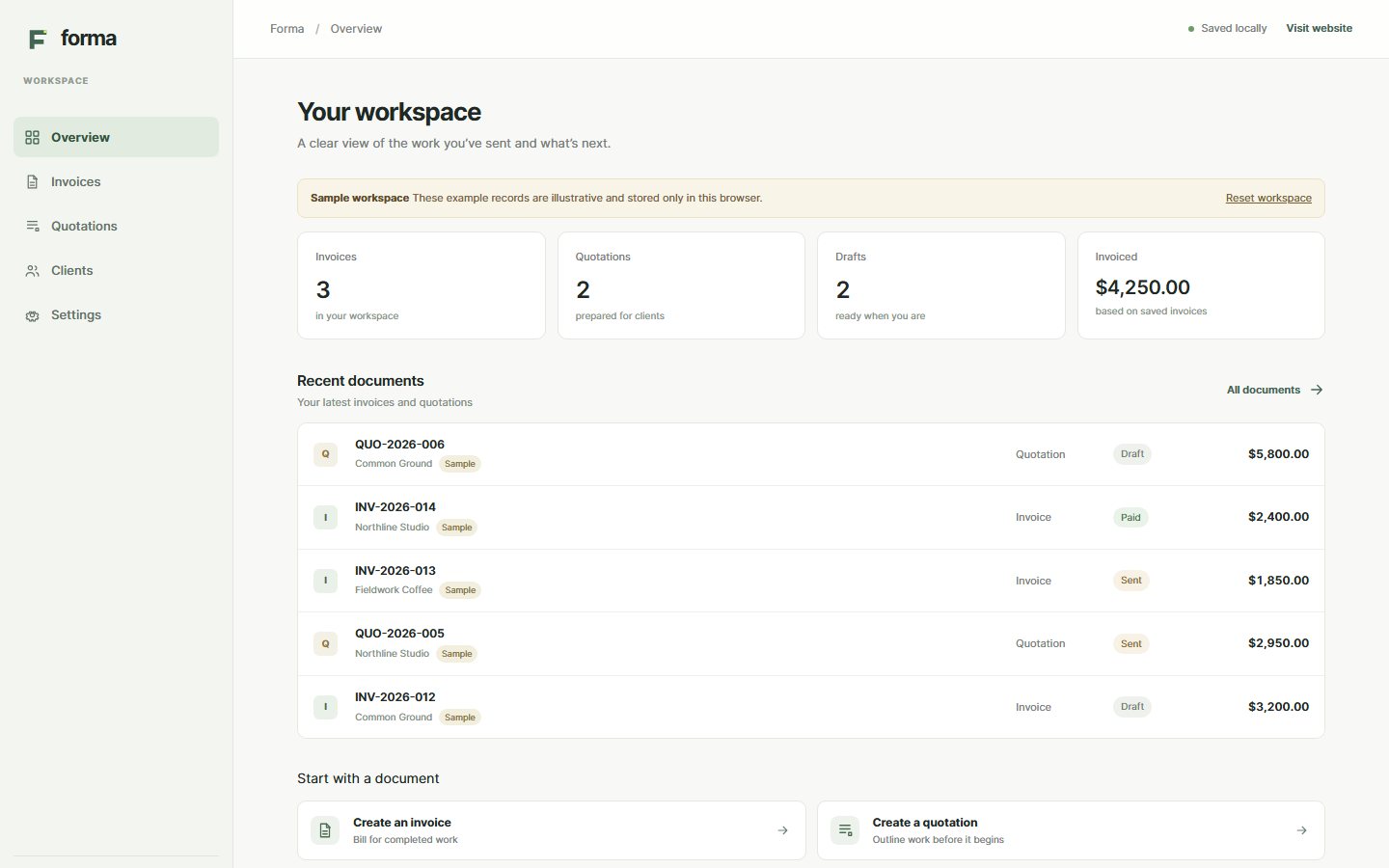
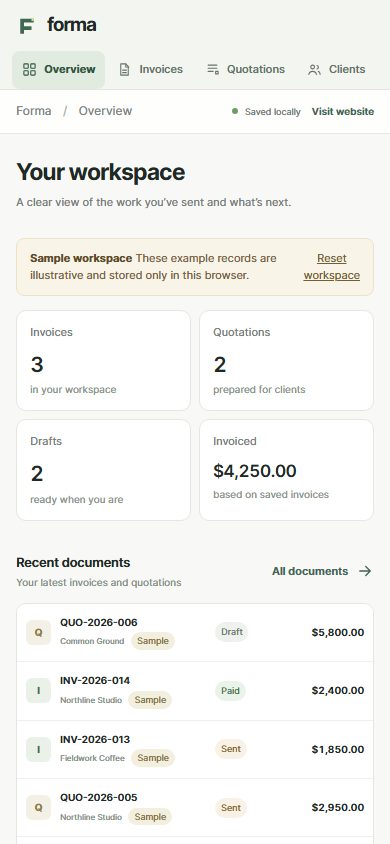
These screens show the real workspace with clearly marked sample records.